
Find your next video
Trending AI Motion & Meme Templates
VidTrend's Trending Templates is a curated catalog of AI-powered motion choreographies designed to animate static portraits and pet photos into viral TikTok, YouTube Shorts, and Instagram Reels memes. Pick a reference choreography, upload your photos, and generate watermark-free 9:16 vertical videos in minutes.
About VidTrend Template Library
Choose a ready-made motion template for a dance, transformation, or character rivalry. Each template lists its required photos, duration, resolutions, audio, and credit costs.
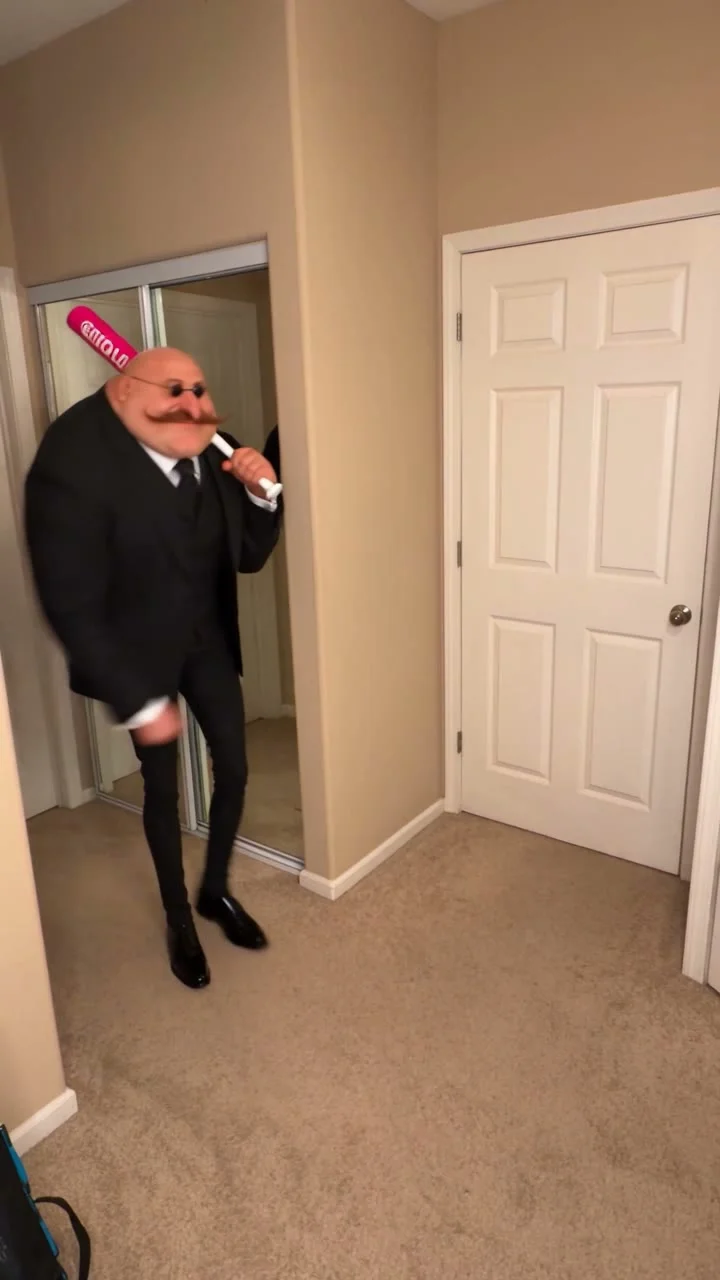
Head Bop
Create a viral Head Bop dance AI meme video from one photo, then add your favorite audio.
Use this template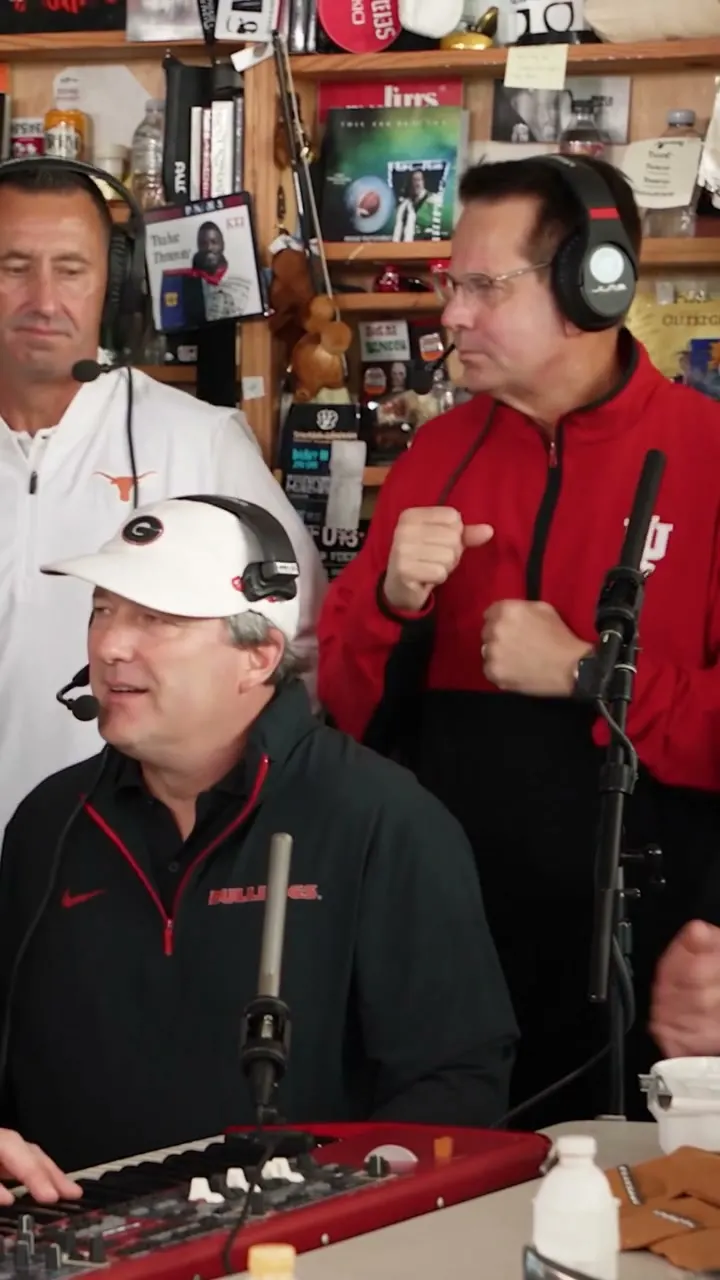
Tiny Desk
Turn 5 photos into an ensemble Tiny Desk parody video synced to Charlie Wilson's "Outstanding".
Use this template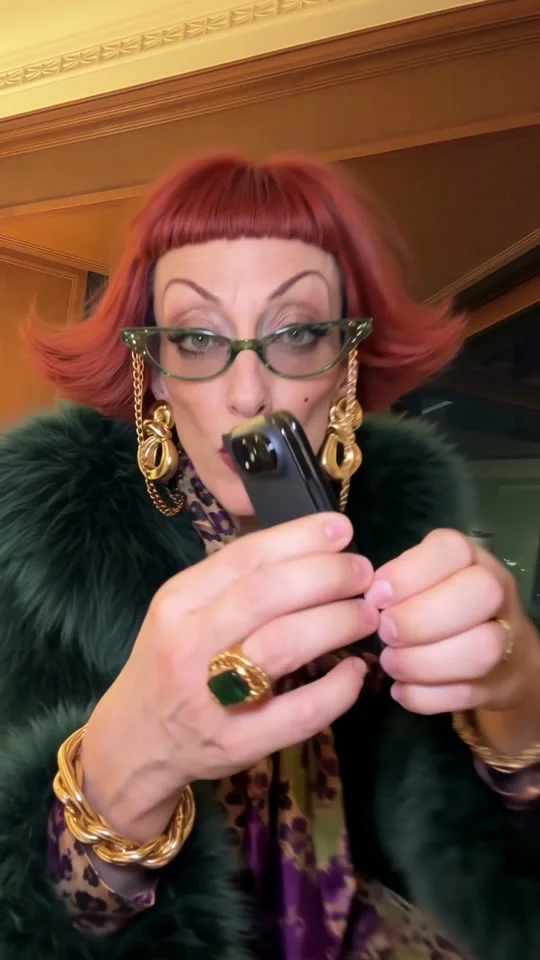
iPhone Kupi
Make a viral iPhone Kupi dance AI meme video from 1 photo with trending TikTok audio.
Use this template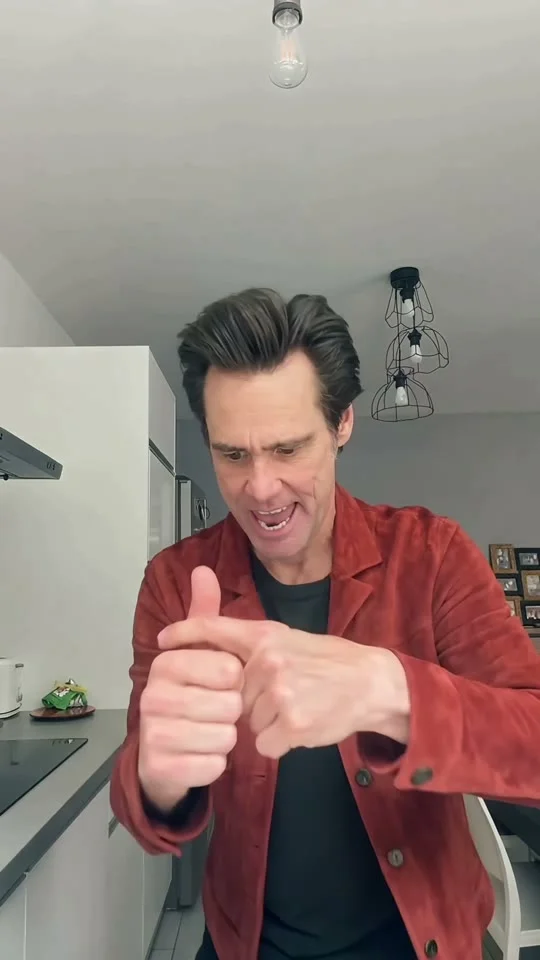
Bad Times
Create a viral Bad Times TikTok dance AI meme video from 1 portrait photo in minutes.
Use this template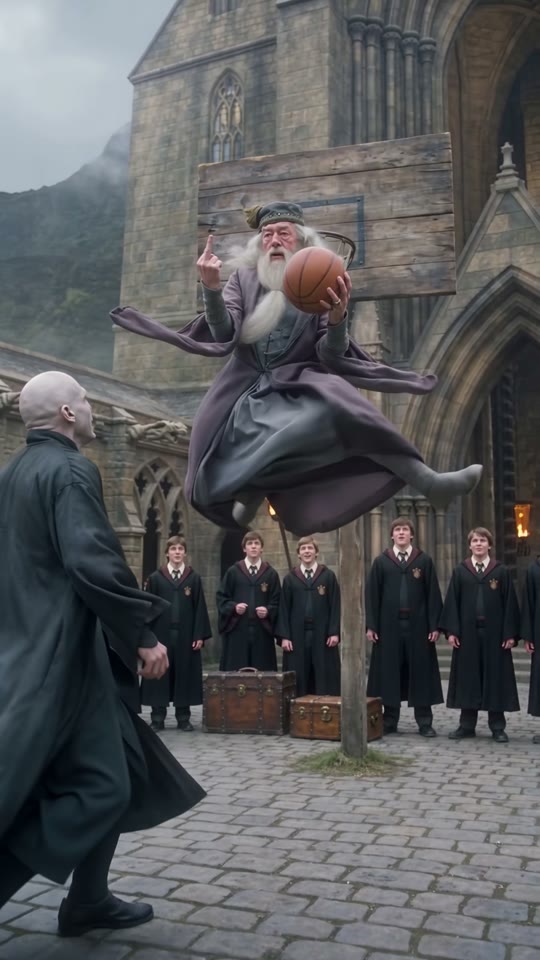
Middle Finger Dunk
Generate a viral Middle Finger Dunk AI meme video from 2 photos with synced crowd sound.
Use this template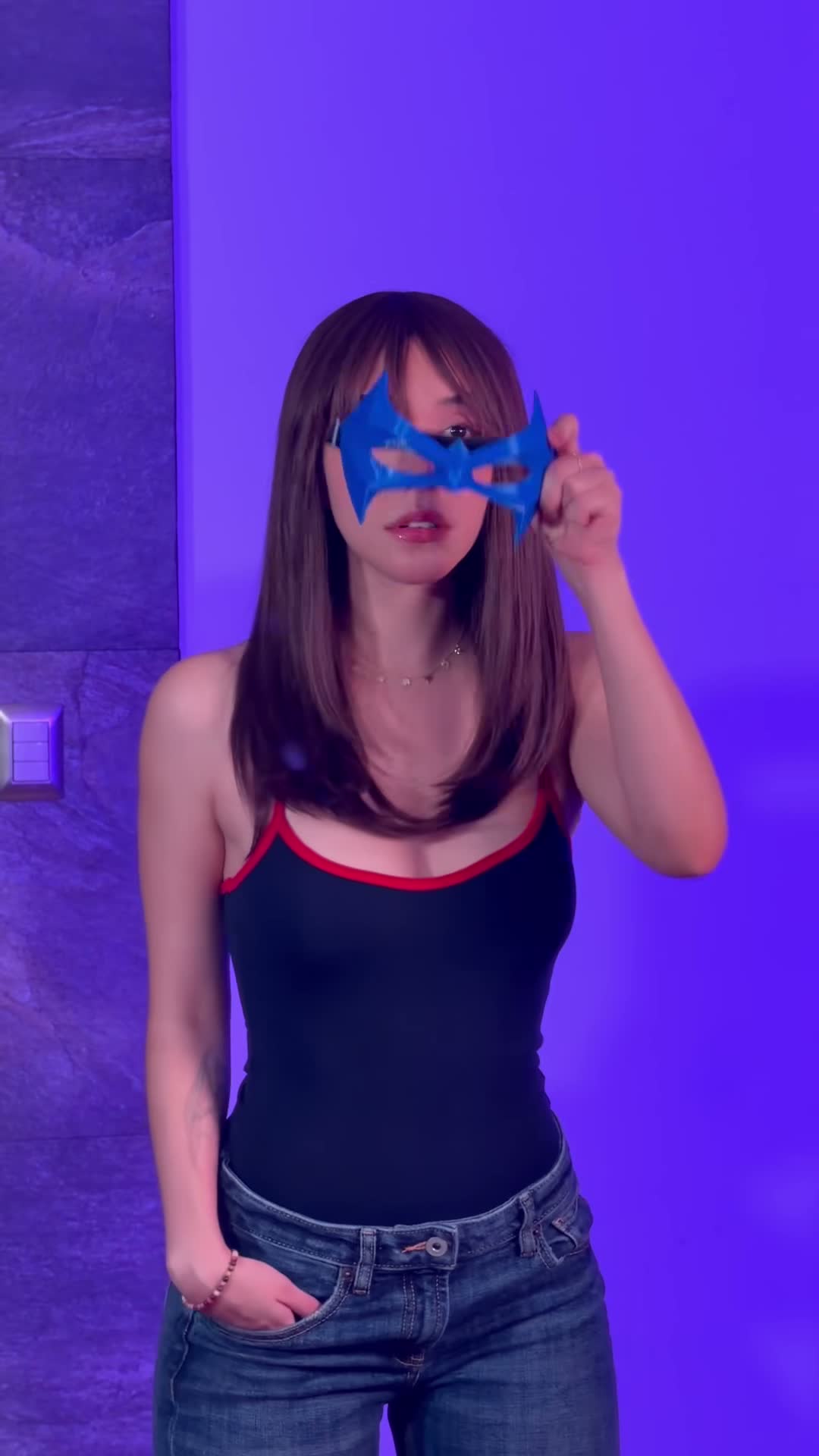
Beth Cast Nightwing
Animate a viral Beth Cast Nightwing cosplay reveal AI video from 2 photos with synced beat.
Use this template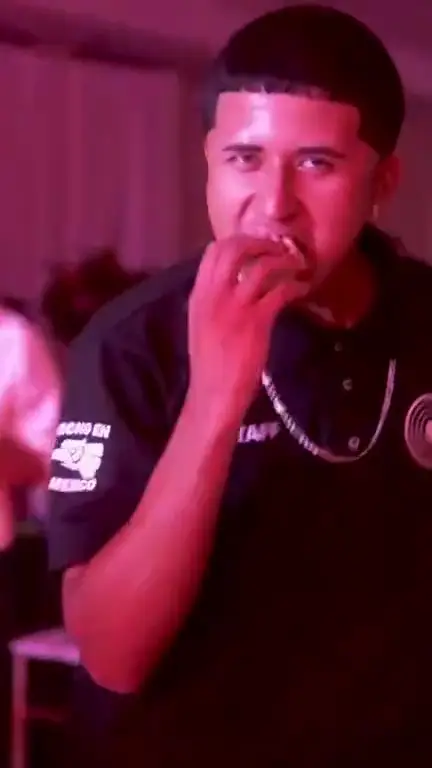
Dime Dime Baby
Create a viral Dime Dime Baby dance AI meme video from 1 photo with trending motion.
Use this template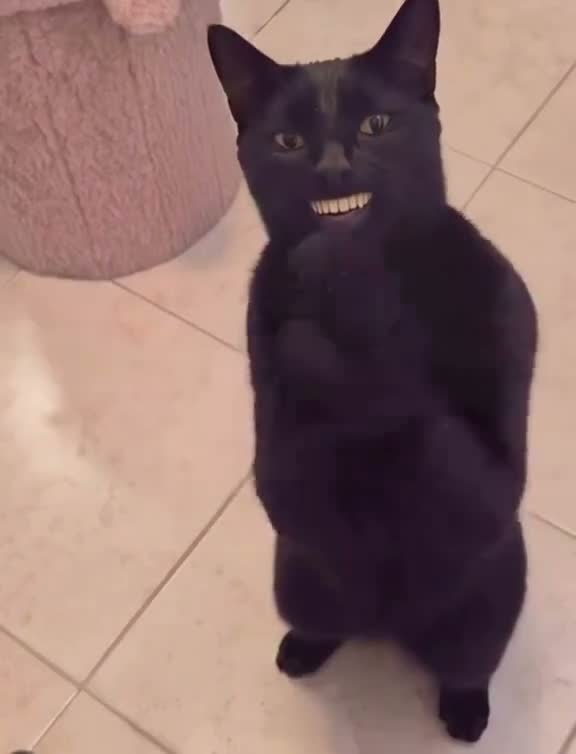
Black Cat Clapping
Turn your pet photo into a viral Black Cat Clapping AI meme video with synced beat audio.
Use this templateRequest a New Video Template
Seen a trending video on TikTok, Reels, or YouTube Shorts you want to recreate? Open a ticket to submit the link and earn free bonus credits when it launches!
Submit via Ticket
Compare trending video templates
Review technical specifications, audio support, and credit costs for the templates shown on this page.
From camera roll to viral video in 3 steps.
- 1
Pick a trending template
Browse viral TikTok & Reels motion templates — dances, transformations, and meme reactions — with pre-set choreography.
- 2
Upload your photo
Upload a clear portrait, cosplay photo, character, or pet (JPEG, PNG, or WebP). The AI maps the motion directly onto your subject.
- 3
Generate & share
Choose an available resolution and check its credit cost. Generate a vertical video ready for TikTok, Reels, or Shorts.
Frequently asked questions
What photo-to-video templates are available on VidTrend?
Choose a ready-made motion template for a dance, transformation, or character rivalry. Each template lists its required photos, duration, resolutions, audio, and credit costs.
What image formats and specifications are required?
Depending on the template, upload 1, 2, or 5 clear, well-lit photos in JPEG, PNG, or WebP format, up to 10 MB each. Check the template page for the required number and upload order. Keep faces and upper bodies clearly visible.
Which VidTrend templates include sound or audio?
Black Cat Clapping includes generated clapping effects, and Middle Finger Dunk includes generated stereo audio. The other templates export without sound; add music or your own audio in TikTok, Reels, or CapCut afterward.
How do credits and pricing work for templates?
Credits work across templates and never expire. Available resolutions and costs vary by template: 480p / 50 credits, 720p / 100, or 1080p / 200. Middle Finger Dunk offers 720p and 1080p. Packs are one-time purchases; failed generations return the consumed credits.