
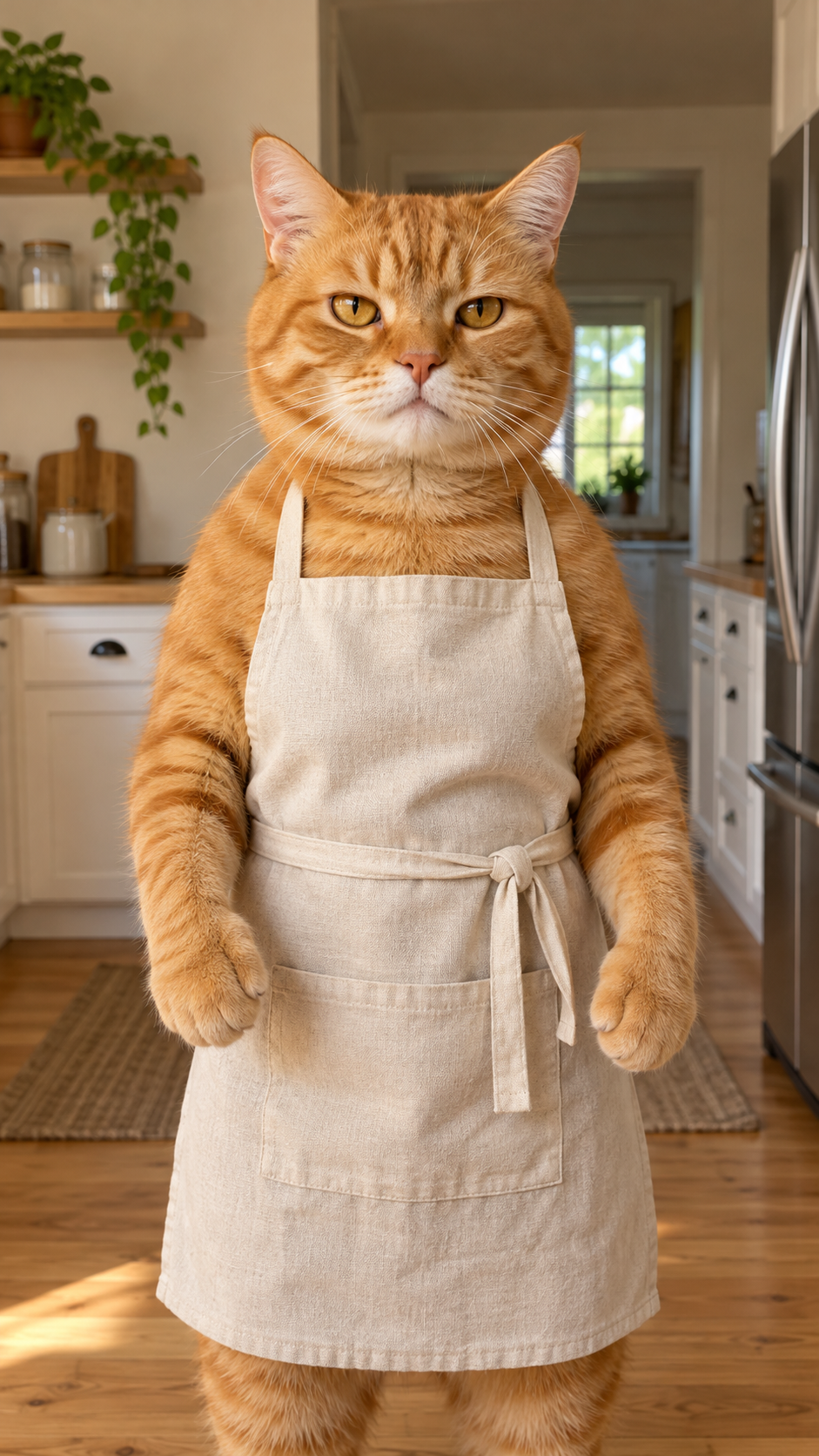
Make TikTok "Bad Times" (Imael Angel) Video from Your Photo with AI
Create a 15-second Bad Times trend video from one photo with VidTrend. Your character follows the reference video’s movements and expressions. Choose 720p for 100 credits or 1080p for 200 credits. The generated video is silent; add the Bad Times sound in TikTok before posting.
Reference Photo
View upload examples1 Photo
Choose Quality100 credits
100% Watermark-Free·Commercial Use Included
Motion reference
Bad Times (Imael Angel)
AI video result
Real example: the uploaded orange-cat photo was used to generate this video with the Bad Times template. This supplied example has music added afterward; new generations are silent by default. Results vary with the photo.
How to make a Bad Times TikTok video
- 1
Choose your photo
Choose a clear portrait or full-body photo of one person, pet, or character you want to animate.
- 2
Animate with the template
Upload your photo and choose a video quality. The AI follows the reference video’s movements and expressions while keeping your character’s appearance, clothing, and background consistent.
- 3
Add the sound and share
Review the result, then add the appropriate Bad Times sound in TikTok before posting.
Choose a photo that brings you into focus
Use a clear, well-lit photo of one person, pet, or character facing the camera. Keep the face visible and leave room around the body. Avoid heavy blur, cropped limbs, and multiple subjects.
| Quality | Resolution | Duration | Aspect Ratio | Audio | Credits |
|---|---|---|---|---|---|
| Standard | 720p | 15s | 9 / 16 | None | 100 credits |
| HD | 1080p | 15s | 9 / 16 | None | 200 credits |
⚡ Average generation time: ~2–4 minutes📁 Supported input: 1 photo (PNG, JPG, WebP up to 10MB)
This template costs 100 credits at 720p or 200 credits at 1080p per generation. Credit packs are prepaid balances, not per-video prices; the $4.99 / 50-credit pack alone is insufficient for this template.
What is the Bad Times trend?
The Bad Times trend is a TikTok lip-sync performance set to “Bad Times” by Imael Angel, with exaggerated expressions and gestures directed at the camera. AI versions animate a person, pet, or character from a photo using a reference clip. This template follows the 15-second Jim Carrey edit linked below.
Bad Times: the video timeline
Three posts in publication order. All times below are Beijing time (UTC+8).
@bouuhyachaka — kitchen reference version
Published September 9, 2026 at 18:44:01 Beijing time. 58 seconds. Caption: “Ça va barder!!”. Screenshot: 1.3M likes, 65.2K comments, 158.6K saves.
Read the source@tillandsialover — dog version
Published September 22, 2026 at 23:45:07 Beijing time. 30 seconds. Hashtags: #viral #dog #trend #cute #badtimes. Screenshot: 899.3K likes, 22.6K comments, 91.4K saves.
Read the source@capcuts001 — Jim Carrey version
Published October 26, 2026 at 01:39:19 Beijing time. 15 seconds, with a CapCut template link. Screenshot: 168.7K likes, 4,619 comments, 10.8K saves. This is the original video shown and used as the motion reference on this page.
Read the source
Post times and engagement figures were supplied with screenshots. Counts are screenshot snapshots, not live totals; capture dates were not provided. These three posts document versions and publication order, not proof of who created the trend first. Source links lead to the original TikTok posts.
Bad Times AI video: frequently asked questions
Can I make the "Bad Times" TikTok trend video without CapCut?
Yes. Upload a photo and generate the video directly in your browser, without CapCut or an app download.
What photo works best for this AI video?
A clear portrait or full-body photo of one person, pet, or character works best. Good lighting, a visible face, and enough space around the body help the motion transfer.
Is the background music already synced?
The generated video does not include the original song or automatic music syncing. Add an available Bad Times sound in TikTok and adjust its timing before posting.
Is the Bad Times AI video generator free?
Generation uses credits: 100 credits for a 15-second 720p video (Standard / std) or 200 credits for 1080p (Pro). Check your balance before generating.
PRICING
Credits for your next video
480p: 50 credits · 720p: 100 · 1080p: 200. Availability varies by template.
50 Credits
USD 4.99
One-time payment
- 1 Full video (480p)
- 100% Watermark-free export
- Credits never expire
- Commercial use
- Up to 480p
- Normal speed
100 Credits
USD 9.99
One-time payment
- 1 HD video (720p) · or 2 Standard
- 100% Watermark-free export
- Credits never expire
- Commercial use
- Up to 720p
- Priority speed
Most Popular
200 Credits
USD 19.99
One-time payment
- 1 Full HD (1080p) · or 2 HD
- 100% Watermark-free export
- Credits never expire
- Commercial use
- Up to 1080p
- Priority speed
400 Credits
USD 34.99
One-time payment
- 2 Full HD (1080p) · or 4 HD
- 100% Watermark-free export
- Credits never expire
- Commercial use
- Up to 1080p
- Priority speed
Best Value
800 Credits
USD 59.99
One-time payment
- 4 Full HD (1080p) · or 8 HD
- 100% Watermark-free export
- Credits never expire
- Commercial use
- Up to 1080p
- Priority speed
1600 Credits
USD 99.99
One-time payment
- 8 Full HD (1080p) · or 16 HD
- 100% Watermark-free export
- Credits never expire
- Commercial use
- Up to 1080p
- Priority speed
All templates are 100% watermark-free. Due to GPU compute costs, free credits are not provided upon signup, but all pre-generated trend examples are free to explore before purchasing. Credits never expire, and failed tasks refund automatically.
SECURE CHECKOUT BY STRIPEINSTANT CREDITS100% WATERMARK-FREE7-DAY REFUND WINDOWFAILED VIDEOS REFUNDED AUTOMATICALLY
Standard, HD, or Full HD: what's the difference?
All options export the complete video with motion animations and sound options. 480p (Standard) costs 50 credits, 720p (HD) costs 100 credits, and 1080p (Full HD) costs 200 credits on supported templates.
| Output | Resolution | Credits |
|---|---|---|
| Full video · Standard | 480p | 50 credits |
| Full video · HD | 720p | 100 credits |
| Full video · Full HD | 1080p | 200 credits |
More Viral Formats
Other Trending AI Meme Templates
Discover more viral video choreographies and create your next TikTok sensation in minutes.
 7s · 9:16
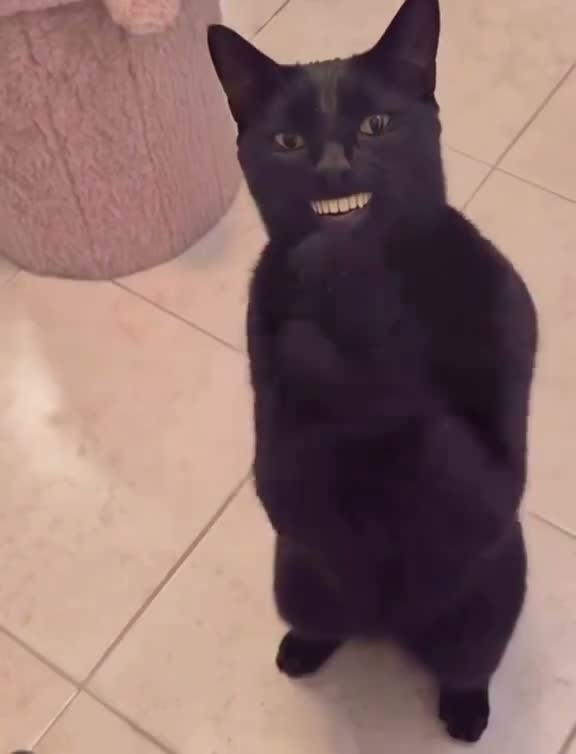
Black Cat Clapping
Turn your pet photo into the clapping cat meme. Create a 7-second vertical video with generated audio, in 480p or 720p.
1 photoUse this template
 8s · 9:16
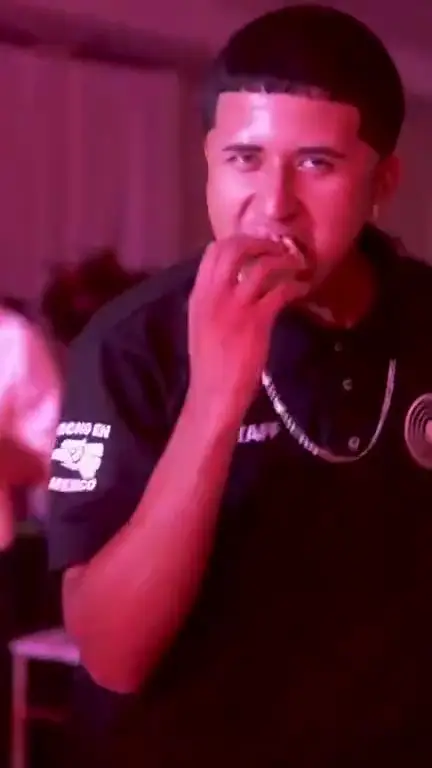
Dime Dime Baby
Turn a portrait, pet photo, or character into an 8-second Dime Dime Baby dance video. Choose 480p or 720p and follow the motion reference.
1 photoUse this template
 11s · 9:16
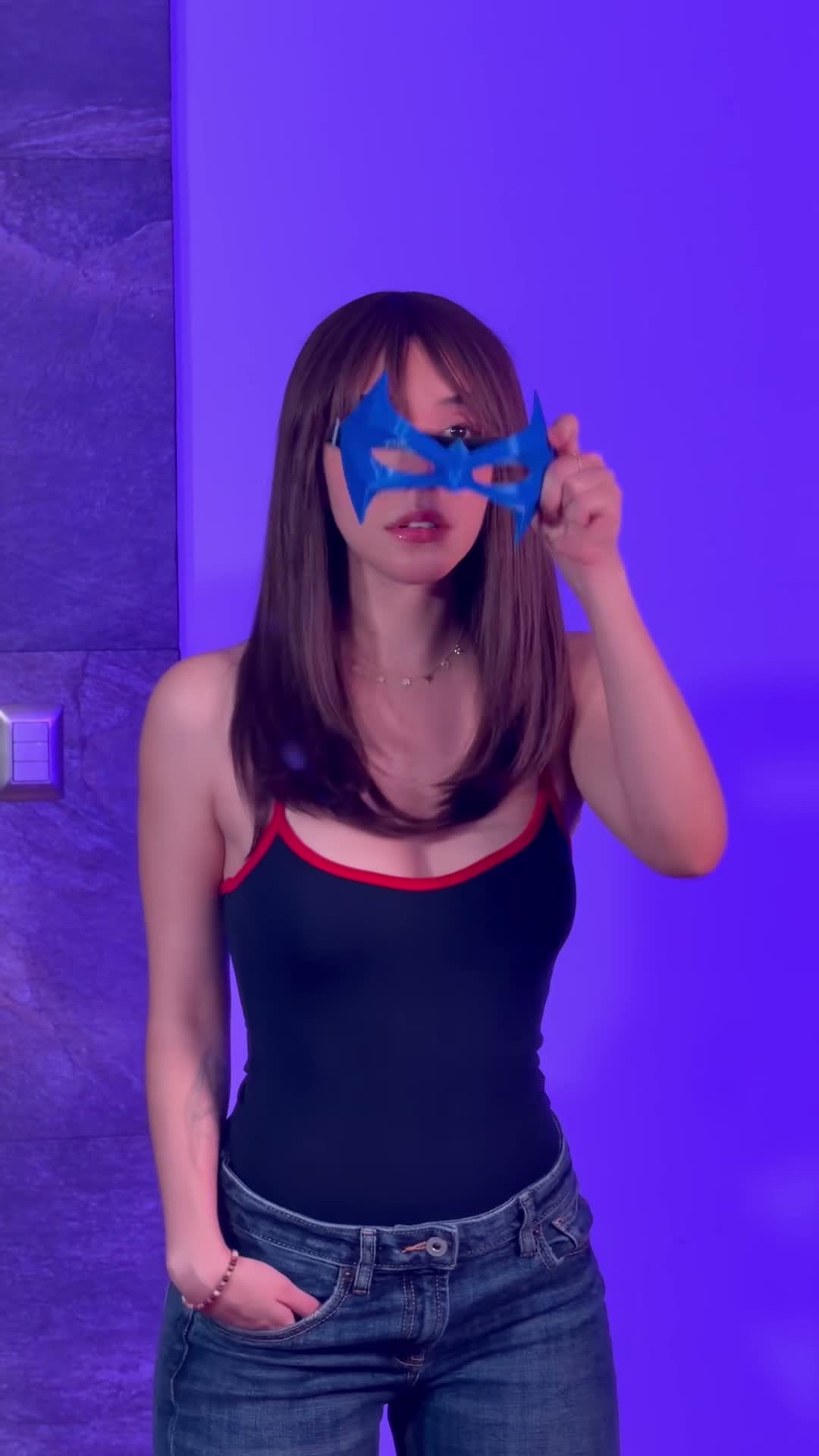
Beth Cast Nightwing
Turn a portrait, cosplay photo, or character into an 11-second Beth Cast Nightwing transformation video. Choose 480p or 720p and follow the motion reference.
2 photosUse this template