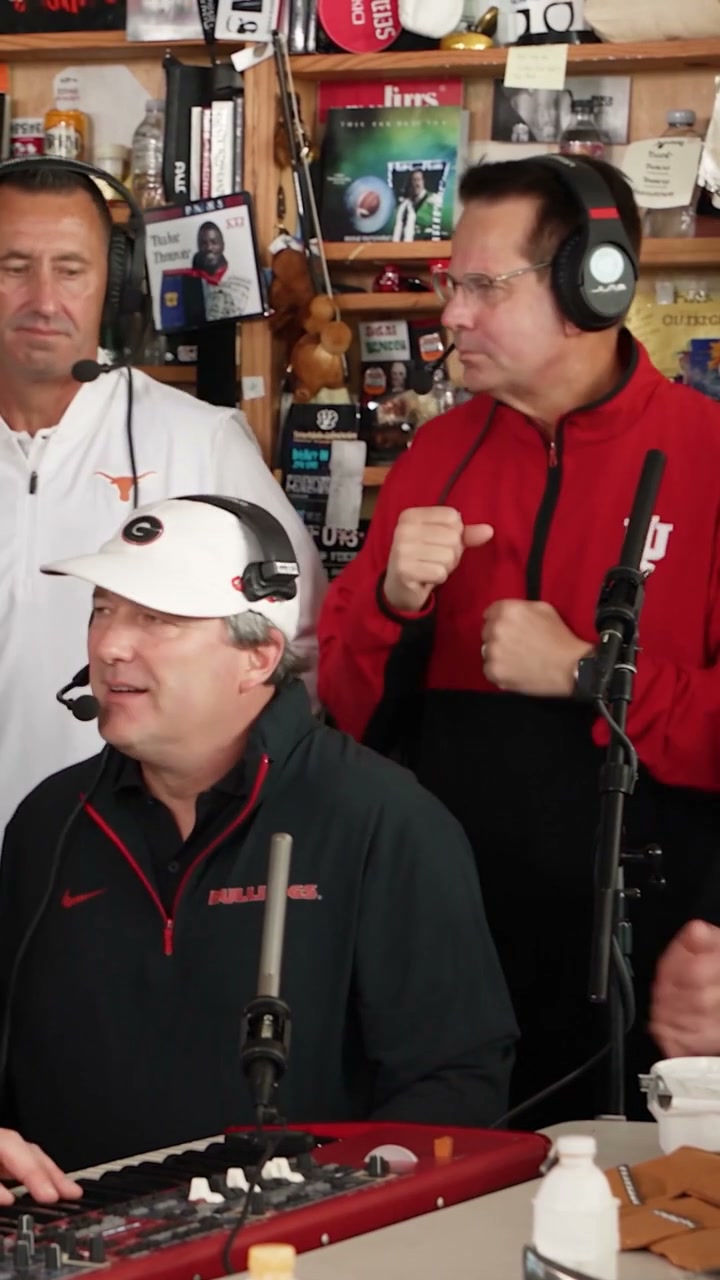
The Jawn Dance AI Video Generator

Create a viral The Jawn dance AI meme video from one photo with reference choreography and audio.

Motion reference

The Jawn

Reference Photo
1 Photo
Choose Quality50 credits
100% Watermark-Free·Commercial Use Included

Audio generation enabled; preview the soundtrack before sharing·Want a silent video? Mute audio for free →

The Jawn AI Video Specifications

Specs at a Glance
  • Input Required:1 photo (JPG, PNG, WebP up to 10MB)
  • Mapping Slots:Solo Character Performance
  • Output Format:12s vertical 9/16 MP4 (480p / 720p)
  • Audio Integration:Audio generation enabled; preview the soundtrack before sharing
  • Processing Time:3 to 6 minutes (Cloud GPU motion-transfer, typically ~5 mins)
  • Watermark Policy:100% Watermark-free for all credit tiers

How to make a The Jawn Dance AI video

  1. 1

    Upload one photo

    Choose one JPG, PNG or WebP photo, up to 10MB. You do not need to record yourself dancing or upload a motion video.

  2. 2

    Choose quality and generate

    Select 480p for 50 credits or 720p for 100 credits. AI animates your photo using the built-in 12-second The Jawn motion reference.

  3. 3

    Preview and download

    Check the movements and soundtrack, then download the watermark-free MP4 for TikTok, Reels or Shorts. Adjust the audio before publishing if needed.

Cultural Lore & Origin

What is The Jawn dance trend?

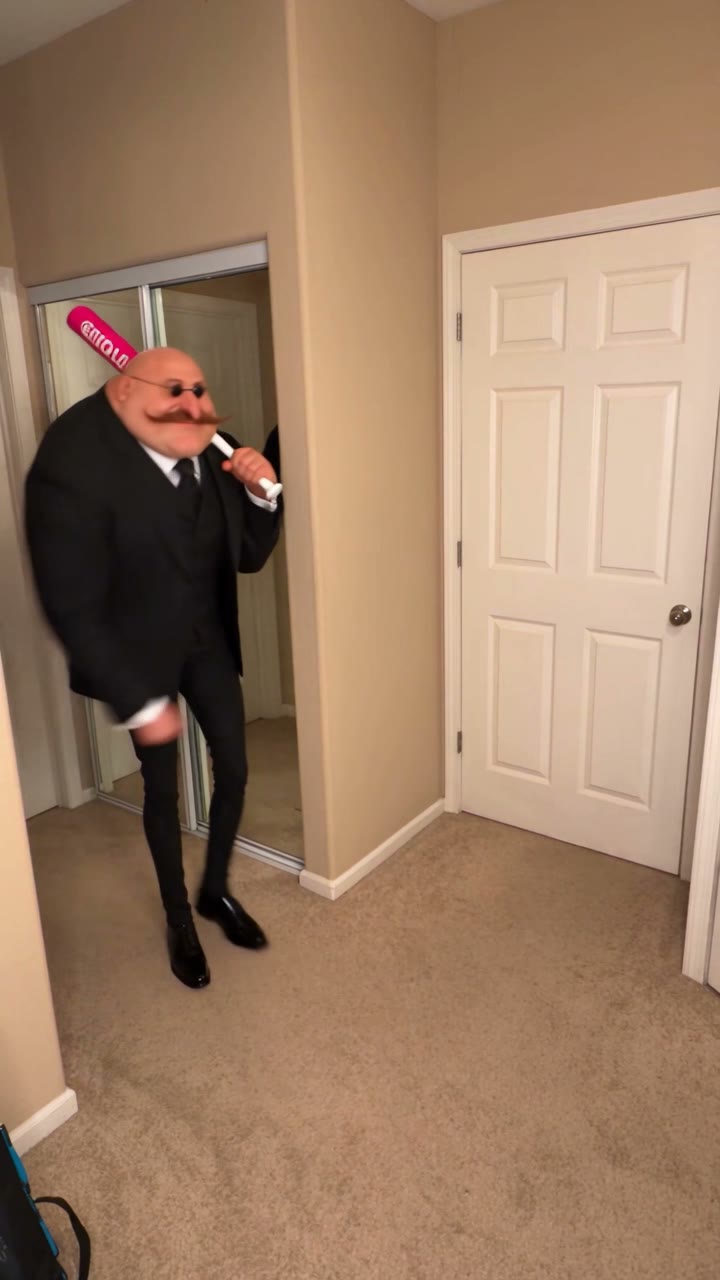
The Jawn is the dance label used in the supplied TikTok posts by @zallvxx8 and @capcuts001, both tagged #thejawn and labeled as CapCut templates. VidTrend uses a separate supplied 12-second outdoor performance as its motion reference to animate a person from one photo. These posts document examples of the trend, not a verified original creator.

Choose a clear photo of one person

Use a sharp, well-lit photo with a visible face and body. A full-body image helps with body turns and steps. Avoid group photos, covered faces and cropped limbs. The photo supplies the person's identity and clothing; the reference supplies the outdoor scene and performance.

QualityResolutionDurationAspect RatioAudioCredits
Standard480p12s9 / 16Included50 credits
HD720p12s9 / 16Included100 credits
⚡ Average generation time: ~3–6 minutes📁 Supported input: 1 photo (PNG, JPG, WebP up to 10MB)

The Jawn dance: reference posts and timeline

The two posts are ordered by the dates visible in the supplied screenshots: October 1 and October 12. The year 2026 is inferred from their video IDs. TikTok publication metadata could not be retrieved, so no verified second-level publication times are claimed.

  1. @zallvxx8: The Jawn CapCut post

    Display name CAPCUTDAILYID_. The caption names the jawn dance challenge and includes #CapCut, #thejawn and #aidance. The screenshot marks the template as containing AI-generated material and lists suara asli - CAPCUTDAILYID_. Snapshot: 247.7K likes, 977 comments and 16.2K saves.

    Read the source
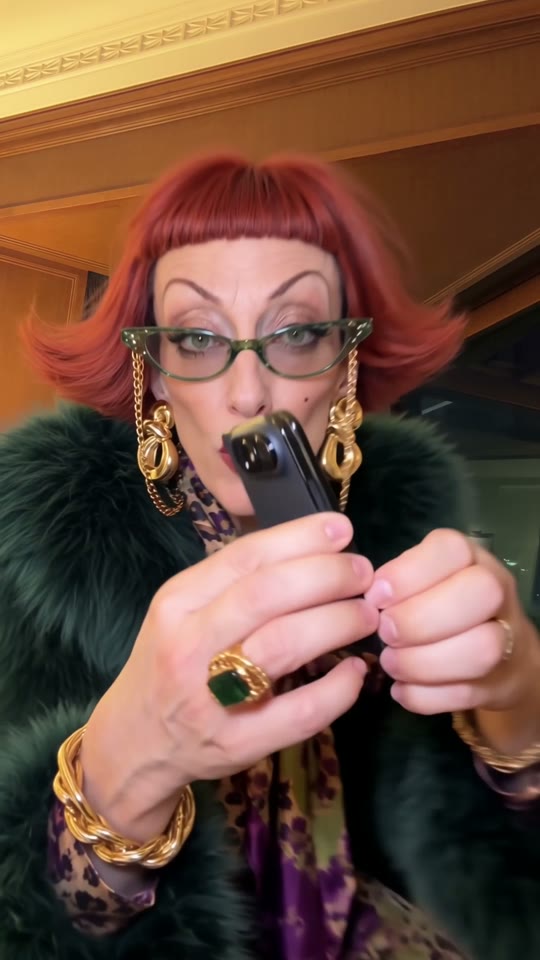
  2. @capcuts001: another #thejawn template post

    Display name Alexandra. The caption includes #thejawn, #dance and #CapCut, with a CapCut template label and original sound - williewhite2.0. Screenshot snapshot: 40K likes, 510 comments and 2,957 saves.

    Read the source

Likes, comments and saves are screenshot snapshots with unknown capture dates, not views or live totals. The two posts do not establish who invented the dance or its total reach. The preview is the separately supplied motion reference, not a generated customer result.

Frequently Asked Questions About The Jawn Dance AI Video Generation

What is The Jawn Dance AI generator?

It turns one person's photo into a 12-second The Jawn dance video. The uploaded photo defines the person's identity and clothing, while the included reference guides the gestures, body movement and timing. The output is a vertical 9:16 MP4.

Do I need to upload a dance video?

No. Upload just one photo. The motion reference is already included, so you do not need to perform the dance, write a prompt, set keyframes or align the movements manually.

What photo works best for The Jawn dance?

Use one clear, well-lit photo of a single person with an unobstructed face and visible body. Full-body photos help with turns and steps. Avoid group shots, cropped limbs and heavy occlusion.

How many credits does The Jawn AI dance cost?

One 12-second video costs 50 credits at 480p or 100 credits at 720p. Both options export a vertical 9:16 MP4 without a watermark.

Does the video include The Jawn audio?

Audio generation is enabled and the template asks the model to follow the reference soundtrack and rhythm. Output audio may vary. The two supplied screenshots show different sound labels, so we do not identify one confirmed song. Preview the result and use an available licensed sound on your publishing platform if needed.

Is this The Jawn CapCut template?

This is VidTrend's photo-to-dance AI template. The linked TikTok posts show CapCut template labels and #thejawn. You can generate here in your browser with one photo, without opening CapCut or editing a motion timeline. VidTrend is an independent tool.

PRICING

Credits for your next video

480p: 50 credits · 720p: 100 · 1080p: 200. Availability varies by template.

50 Credits

USD 4.99

One-time payment

  • 1 Full video (480p)
  • 100% Watermark-free export
  • Credits never expire
  • Commercial use
  • Up to 480p
  • Normal speed

100 Credits

USD 9.99

One-time payment

  • 1 HD video (720p) · or 2 Standard
  • 100% Watermark-free export
  • Credits never expire
  • Commercial use
  • Up to 720p
  • Priority speed
Most Popular

200 Credits

USD 19.99

One-time payment

  • 1 Full HD (1080p) · or 2 HD
  • 100% Watermark-free export
  • Credits never expire
  • Commercial use
  • Up to 1080p
  • Priority speed

400 Credits

USD 34.99

One-time payment

  • 2 Full HD (1080p) · or 4 HD
  • 100% Watermark-free export
  • Credits never expire
  • Commercial use
  • Up to 1080p
  • Priority speed
Best Value

800 Credits

USD 59.99

One-time payment

  • 4 Full HD (1080p) · or 8 HD
  • 100% Watermark-free export
  • Credits never expire
  • Commercial use
  • Up to 1080p
  • Priority speed

1600 Credits

USD 99.99

One-time payment

  • 8 Full HD (1080p) · or 16 HD
  • 100% Watermark-free export
  • Credits never expire
  • Commercial use
  • Up to 1080p
  • Priority speed
SECURE CHECKOUT BY STRIPEINSTANT CREDITS100% WATERMARK-FREE7-DAY REFUND WINDOWFAILED VIDEOS REFUNDED AUTOMATICALLY

Standard, HD, or Full HD: what's the difference?

All options export the complete video with motion animations and sound options. 480p (Standard) costs 50 credits, 720p (HD) costs 100 credits, and 1080p (Full HD) costs 200 credits on supported templates.

OutputResolutionCredits
Full video · Standard480p50 credits
Full video · HD720p100 credits
Full video · Full HD1080p200 credits
Create your video