
Wassup Been a Minute AI Dance Video Generator
Transform 3 photos into the viral 29-second street dance trio challenge with energetic shuffle footwork and beat.
Wassup Been a Minute AI Dance
Wassup Been a Minute AI Dance Video Specifications
Specs at a Glance- Input Required:3 photos (JPG, PNG, WebP up to 10MB)
- Mapping Slots:3 Characters
- Output Format:29s landscape 16/9 MP4 (720p / 1080p)
- Audio Integration:Pre-synced viral audio included
- Processing Time:3 to 6 minutes (Cloud GPU multi-character motion transfer)
- Watermark Policy:100% Watermark-free for all credit tiers
- Background Scene:Original reference scene (or upload an optional custom background)
Upload 3 separate photos in exact order: Slot 1 for Center Lead Dancer, Slot 2 for Left Dancer, Slot 3 for Right Dancer.
Pro tip: Enhance crowded or blurry photos with AI for best resultsGenerated audio included 🔊·Want a silent video? Mute audio for free →
Wassup Been a Minute AI Dance Video Specifications
Specs at a Glance- Input Required:3 photos (JPG, PNG, WebP up to 10MB)
- Mapping Slots:3 Characters
- Output Format:29s landscape 16/9 MP4 (720p / 1080p)
- Audio Integration:Pre-synced viral audio included
- Processing Time:3 to 6 minutes (Cloud GPU multi-character motion transfer)
- Watermark Policy:100% Watermark-free for all credit tiers
- Background Scene:Original reference scene (or upload an optional custom background)
How to Create a Wassup Been a Minute AI Dance Video
- 1
Assign 3 Dancer Photos
Upload photos for Center Lead Dancer (Slot 1), Left Dancer (Slot 2), and Right Dancer (Slot 3). Optional background photo can be included.
- 2
Select Resolution & Generate
Choose Standard 720p (100 credits) or Full HD 1080p (200 credits). Kling V4 animates the full 29-second synchronized trio choreography.
- 3
Download & Share
Download your watermark-free 16:9 wide MP4 with original audio and share directly to TikTok and Reels.
Traditional Manual Workflow vs VidTrend 1-Click Pipeline
Why creators switch from complex multi-tool editing (Generic AI Animators + Professional Video Editing Software) to VidTrend's automated Wassup Been a Minute AI Dance video pipeline.
Traditional Workflow: Raw Motion Diffusion Models (3 separate dancer prompts) + 3-character Rotoscoping + Video Editing Timeline Sync + TikTok Audio Alignment = 60–90 Minutes.
- Run 3 separate generation prompts in Discord/web for Center, Left, and Right dancers with trial-and-error retries
- Rotoscope and chroma-key 3 separate moving dancer tracks with motion blur and edge fringing
- Manually assemble motion layers, fix timeline stutter, and keyframe movements in professional video editing software
- Manually slice, stretch, and beat-align sound effects to movement beats
VidTrend Pipeline: Upload 3 photos into Center, Left, and Right dancer slots + 1-click Kling V4 motion transfer + Dynamic background generation + Pre-synced viral TikTok audio = ~3–6 Minutes.
- 1-click upload of 3 photos directly into Center Lead, Left Dancer, and Right Dancer slots
- Single-click neural motion diffusion preserves facial identity and lighting while executing precise motion transfer
- Camera framing, scene depth, and cinematic lighting are pre-rendered automatically in 720p/1080p HD
- Pre-synced Wassup Been a Minute AI Dance audio included out-of-the-box, ready for instant zero-edit publishing
| Workflow Metric | Traditional Manual Workflow (Generic AI Animators + Video Editing Software) | VidTrend 1-Click Pipeline |
|---|---|---|
| Input & Setup | 3 separate prompts & runs on Discord or web | 1-click upload of 3 photos into mapped trio role slots |
| Camera Cuts & Staging | Manual timeline alignment, keyframing, and motion retargeting | End-to-end neural motion transfer preserving facial likeness and character identity |
| Background & Compositing | Green-screen rotoscoping & edge artifact cleanup | Native viral meme background & lighting embedded seamlessly |
| Audio Synchronization | Manual audio track trimming & beat alignment in video editor | Pre-synced Wassup Been a Minute AI Dance audio included out-of-the-box |
| Total Time Required | 45–60 minutes of tedious manual editing | ~3–6 minutes (automated GPU rendering) |
| Editing Skills Needed | Advanced (Professional video editing software timeline keyframing) | Zero (browser-based, no external software needed) |
“Your time is worth more than 45 minutes of manual rotoscoping. Generate your Wassup Been a Minute AI Dance video in 3–6 minutes for less than a cup of coffee.”
What is the Wassup Been a Minute AI Dance Trend?
Transform 3 portrait photos into the viral 29-second street dance trio challenge. Swap any three faces onto the center lead dancer and two side dancers performing rhythmic shuffle steps and body rolls. Output in 720p HD (100 credits) or 1080p Full HD (200 credits) with pre-synced audio and 100% watermark-free downloads.
Photo Upload Guidelines for Trio Roles
Use clear, front-facing portrait photos with distinct individuals. Good lighting and clean facial visibility give the best motion transfer and facial fidelity.
| Quality | Resolution | Duration | Aspect Ratio | Audio | Credits |
|---|---|---|---|---|---|
| Standard | 720p | 29s | 16 / 9 | Included | 100 credits |
| HD | 1080p | 29s | 16 / 9 | Included | 200 credits |
Frequently Asked Questions About Wassup Been a Minute AI Dance Video Generation
What is the Wassup Been a Minute dance trend?
It is a viral TikTok street dance routine by Ashley Keno featuring three dancers performing synchronized rhythmic shuffle steps, body rolls, and hyped gestures.
Why do I need to upload 3 photos?
The choreography features three distinct dancers: a central lead dancer and two accompanying dancers on the left and right. 3 photos ensure each position receives a unique character identity.
Can I customize or replace the background?
Yes! This template supports optional custom background replacement. Upload an optional background image after your 3 character photos to transport your dance trio into any setting.
How long does video generation take?
A full 29-second trio video typically completes in 3 to 5 minutes depending on server queue.
Credits for your next video
480p: 50 credits · 720p: 100 · 1080p: 200. Availability varies by template.
One-time credit packs
100 Credits
One-time payment
$0.13 / credit- ~2 480p videos
- ~1 720p video
- ~100 1K HD pictures
- ~50 2K Ultra HD pictures
- Credits never expire
- Normal generation speed
- In-app ticket support
200 Credits
One-time payment
$0.11 / credit · Save 12%- ~4 480p videos
- ~2 720p videos
- ~1 1080p video
- ~200 1K HD pictures
- ~100 2K Ultra HD pictures
- Credits never expire
- ⚡️ Priority rendering speed (Fast GPU queue)
- ⚡ Direct email support
400 Credits
One-time payment
$0.10 / credit · Save 23%- ~8 480p videos
- ~4 720p videos
- ~2 1080p videos
- ~400 1K HD pictures
- ~200 2K Ultra HD pictures
- Credits never expire
- 🚀 Top-tier GPU rendering priority
- 💎 Priority fast support
Subscriptions
Starter
Billed monthly
$0.06 / credit- 800 credits / month
- ~16 480p videos
- ~8 720p videos
- ~4 1080p videos
- ~800 1K HD pictures
- ~400 2K Ultra HD pictures
- Subscription credits used first
- Normal generation speed
- In-app ticket support
Pro
Billed monthly
$0.05 / credit · Save 15%- 1600 credits / month
- ~32 480p videos
- ~16 720p videos
- ~8 1080p videos
- ~1600 1K HD pictures
- ~800 2K Ultra HD pictures
- Subscription credits used first
- ⚡️ Priority rendering speed (Fast GPU queue)
- ⚡ Direct email support
Enterprise
Billed monthly
$0.04 / credit · Save 31%- 3200 credits / month
- ~64 480p videos
- ~32 720p videos
- ~16 1080p videos
- ~3200 1K HD pictures
- ~1600 2K Ultra HD pictures
- Subscription credits used first
- 🚀 Top-tier GPU rendering priority
- 💎 Priority fast support
Credits unlock monthly and expire at the next monthly anniversary. Subscriptions renew automatically; cancel renewal in Settings.
Standard, HD, or Full HD: what's the difference?
Choose the resolution that fits your channel. 720p is our recommended standard for vertical TikToks and Reels, while 1080p delivers crystal-clear definition for high-res projects.
| Output | Resolution | Recommended for | Credits |
|---|---|---|---|
Full video · Standard | 480p | Fast previews, meme tests & lightweight sharing | 50 credits |
Full video · HDRecommended | 720p | TikTok, Instagram Reels & YouTube Shorts (Recommended) | 100 credits |
Full video · Full HD | 1080p | Desktop playback, brand ads & 4K upscaling | 200 credits |
| AI Photo & Picture · 1K HD | 1K | Unblurring photos, avatar generation & sharp video inputs | 1 credit |
| AI Photo & Picture · 2K Ultra HD | 2K | Studio portraits, high-res enhancement & viral dance prep | 2 credits |
More Viral Formats
Other Trending AI Meme Templates
Discover more viral video choreographies and create your next TikTok sensation in minutes.
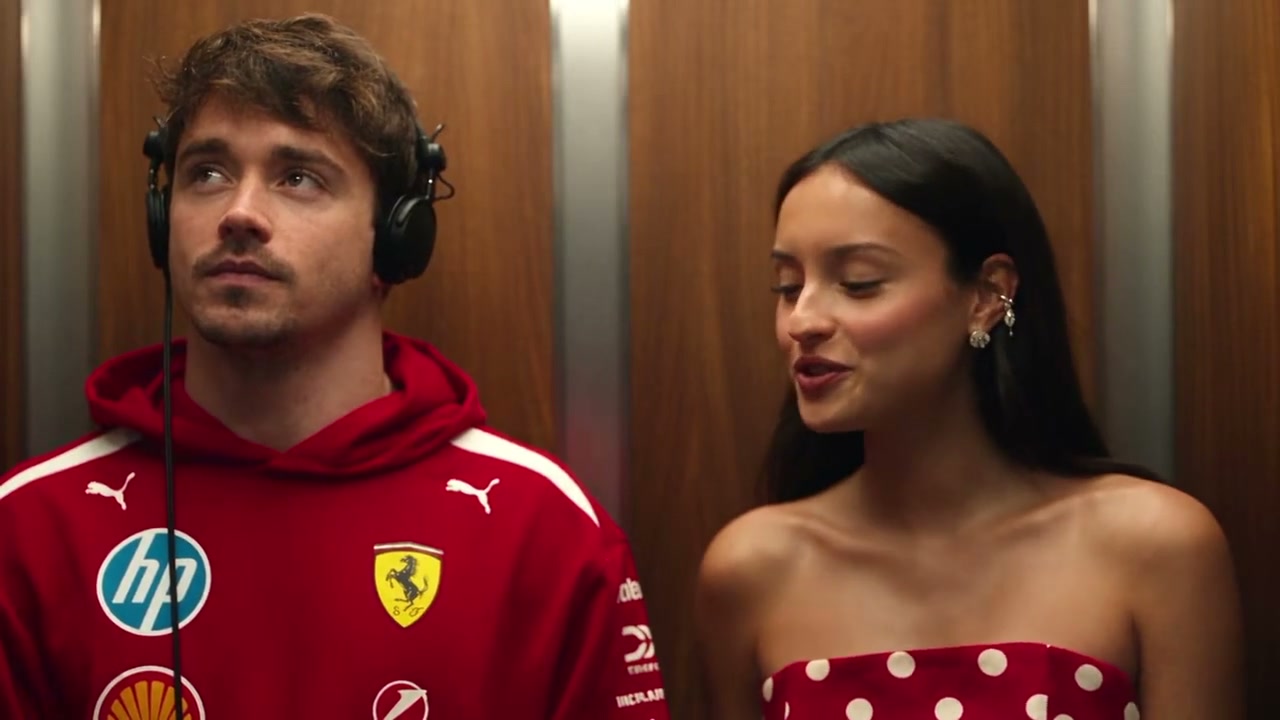
I Love The Smiths AI
Recreate the iconic 500 Days of Summer elevator scene with two custom character photos and dialogue.
Use this template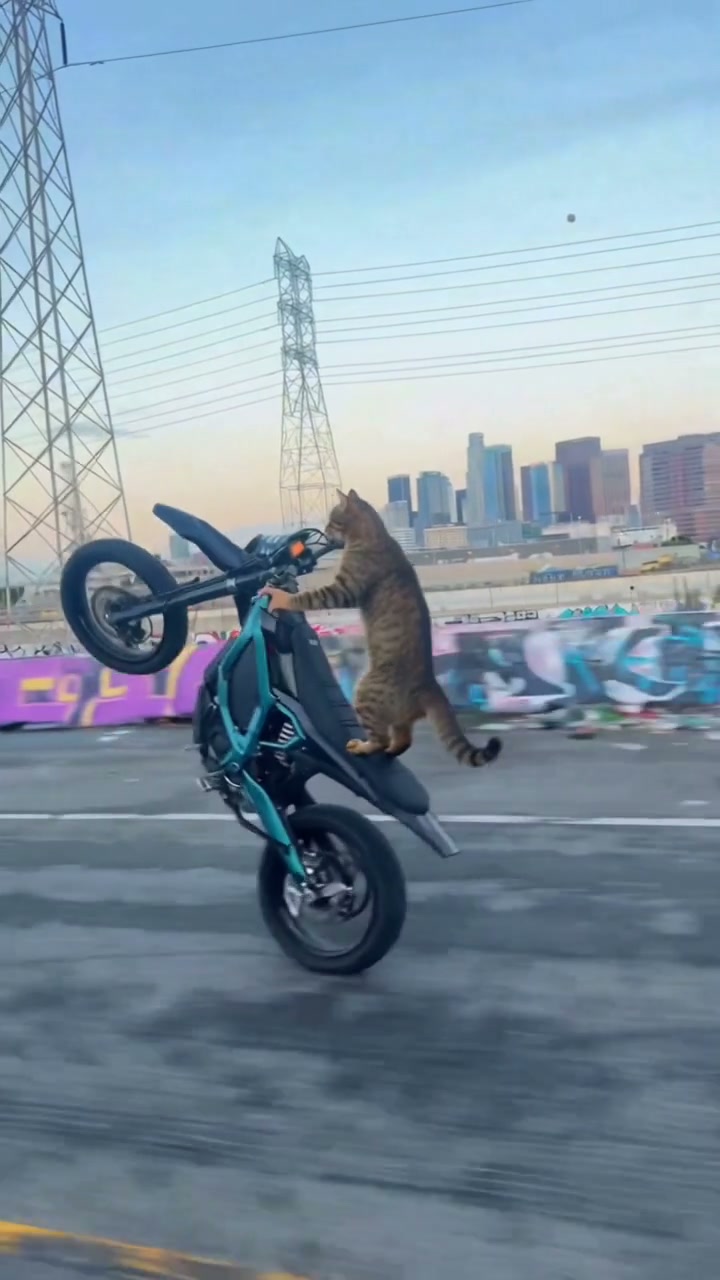
Cat on Ultra Bee Surron AI
Put your pet or selfie on a Surron Ultra Bee electric dirt bike doing high-speed vertical wheelies.
Use this template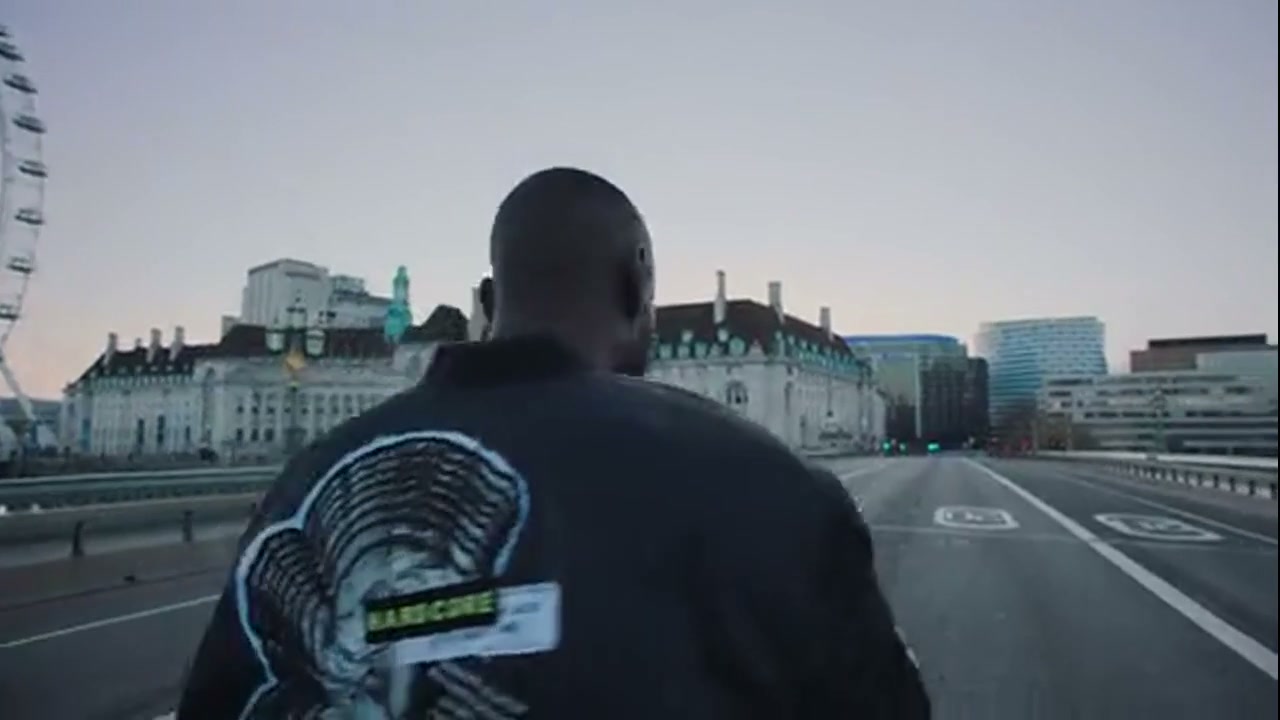
Vossi Bop AI Trend
Transform any portrait into Stormzy rapping on London Westminster Bridge with dynamic 360-degree circling camera motion.
Use this template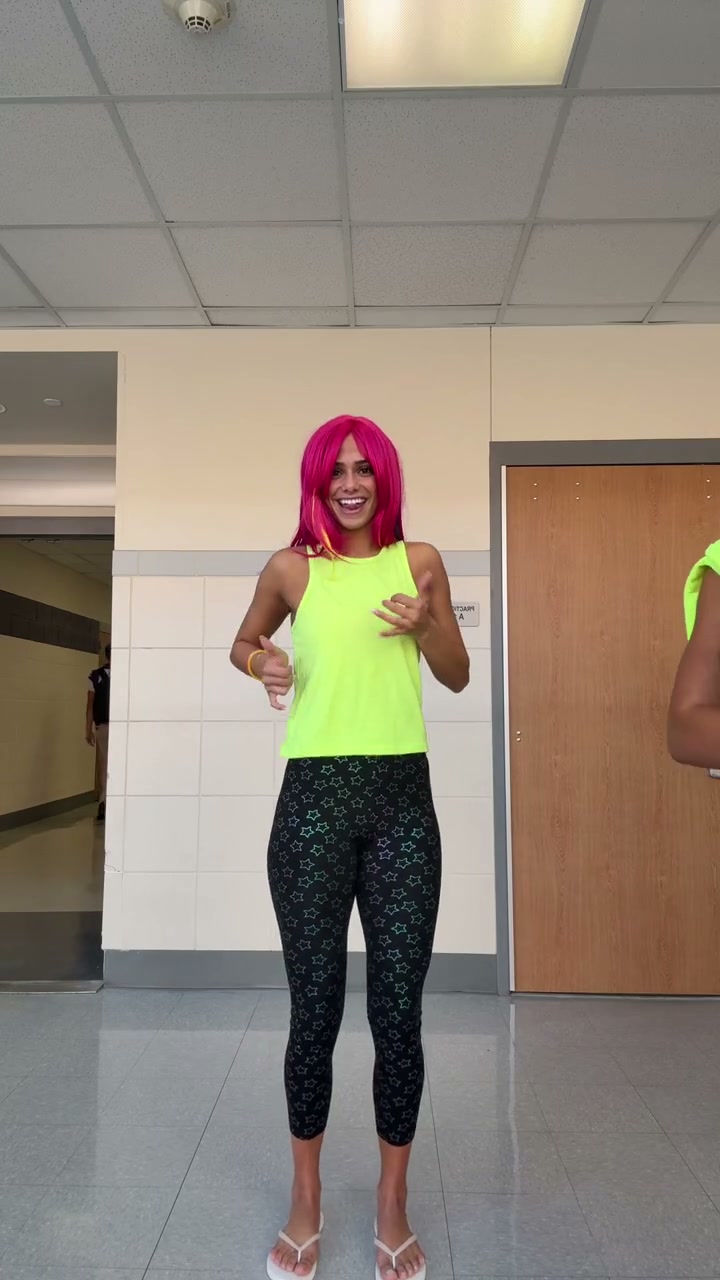
Dance on the D Trend AI
Turn two photos into the viral 15-second tag-team dance challenge with neon outfits, playful hip sways, and beat.
Use this template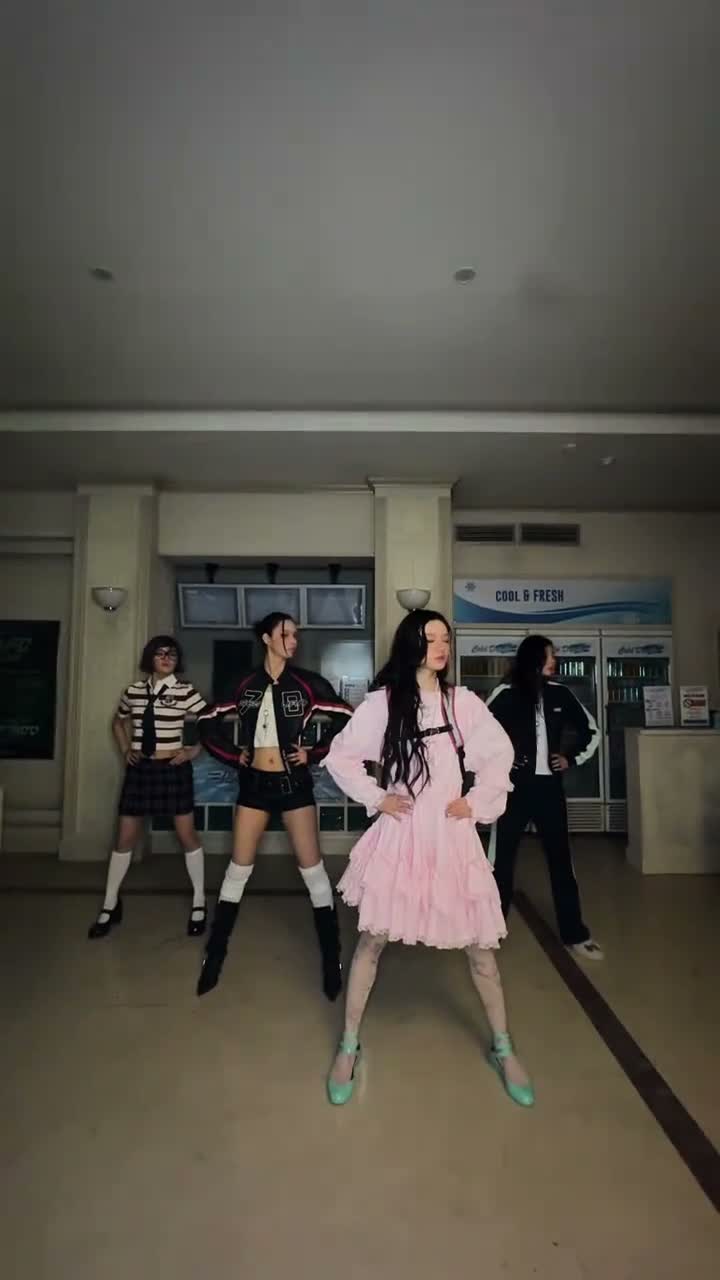
You’re Under Arrest ILLIT AI Dance
Turn one photo into ILLIT's official 30-second 'You’re Under Arrest' viral K-pop dance challenge with synchronized choreography.
Use this template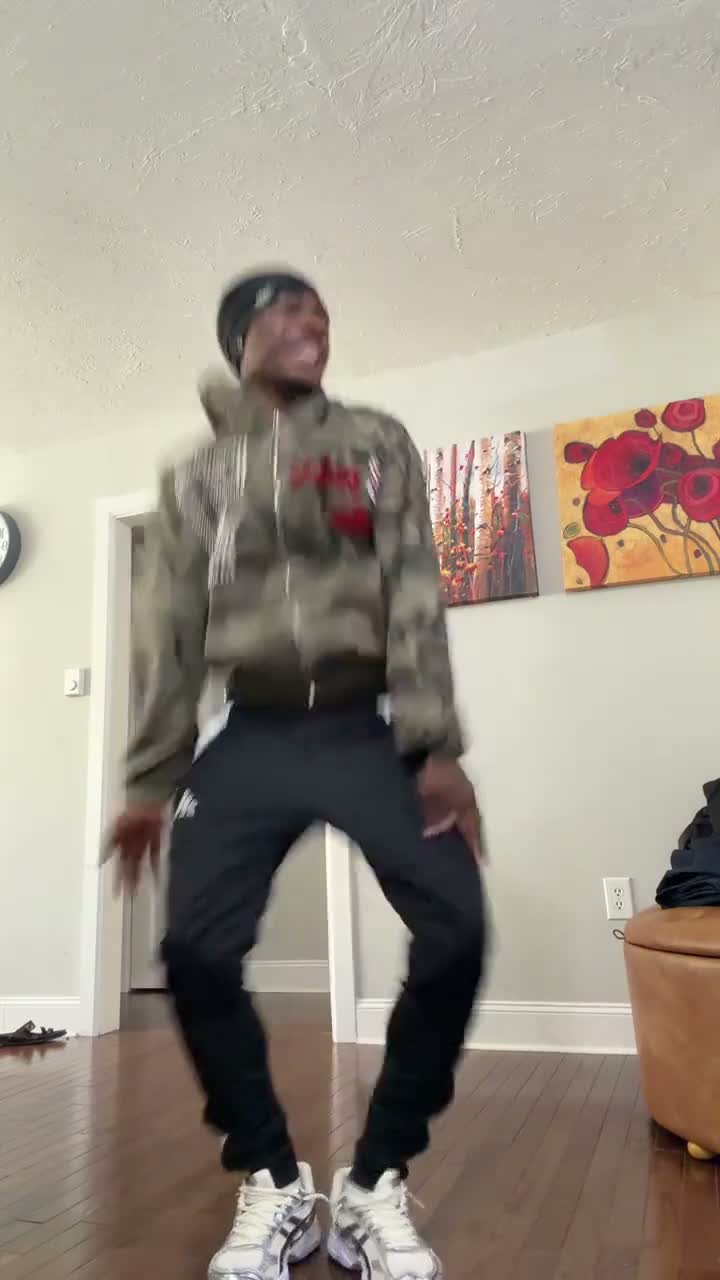
Take You to the Rio AI Dance
Turn two photos into the viral 30-second synchronized Latin Rio dance challenge with lively footwork and beat.
Use this template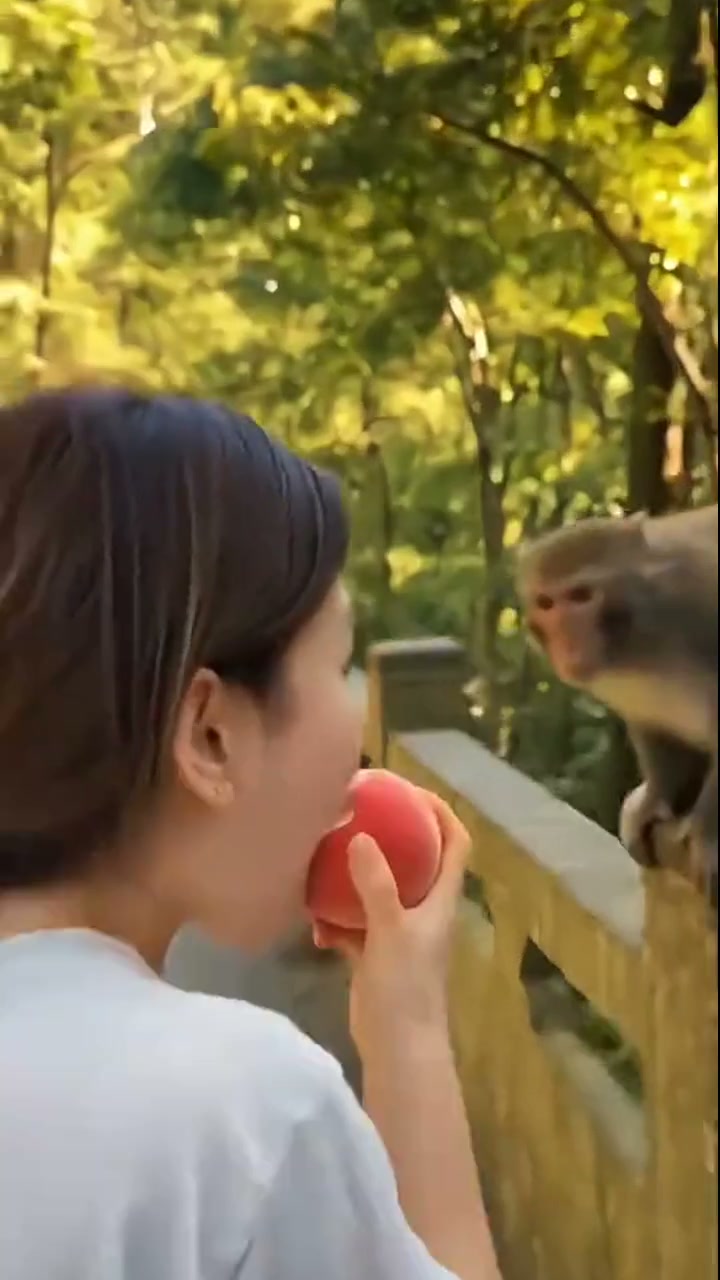
Monkey Eating Apple AI
Turn one photo into the viral monkey stealing apple meme video with hilarious shocked reaction.
Use this template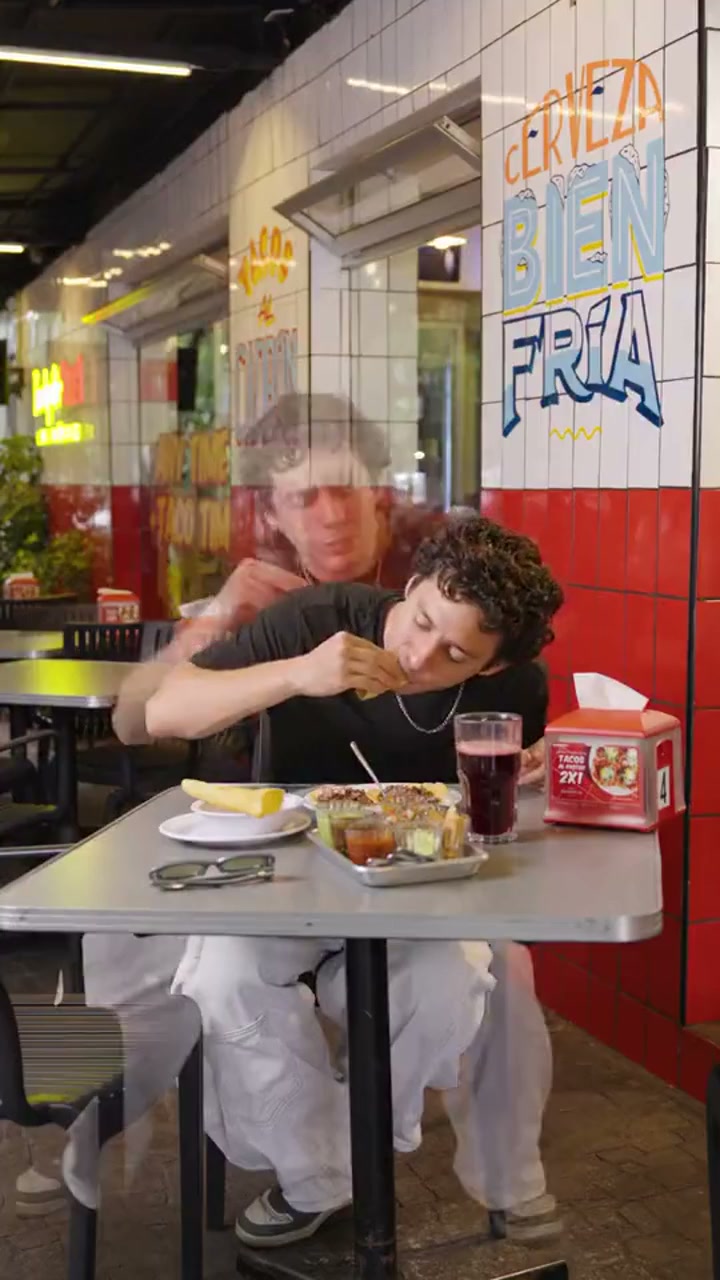
Teach Me How to Dougie AI
Turn one photo into the viral Dougie hip-hop dance meme video with cloned dancing doubles.
Use this template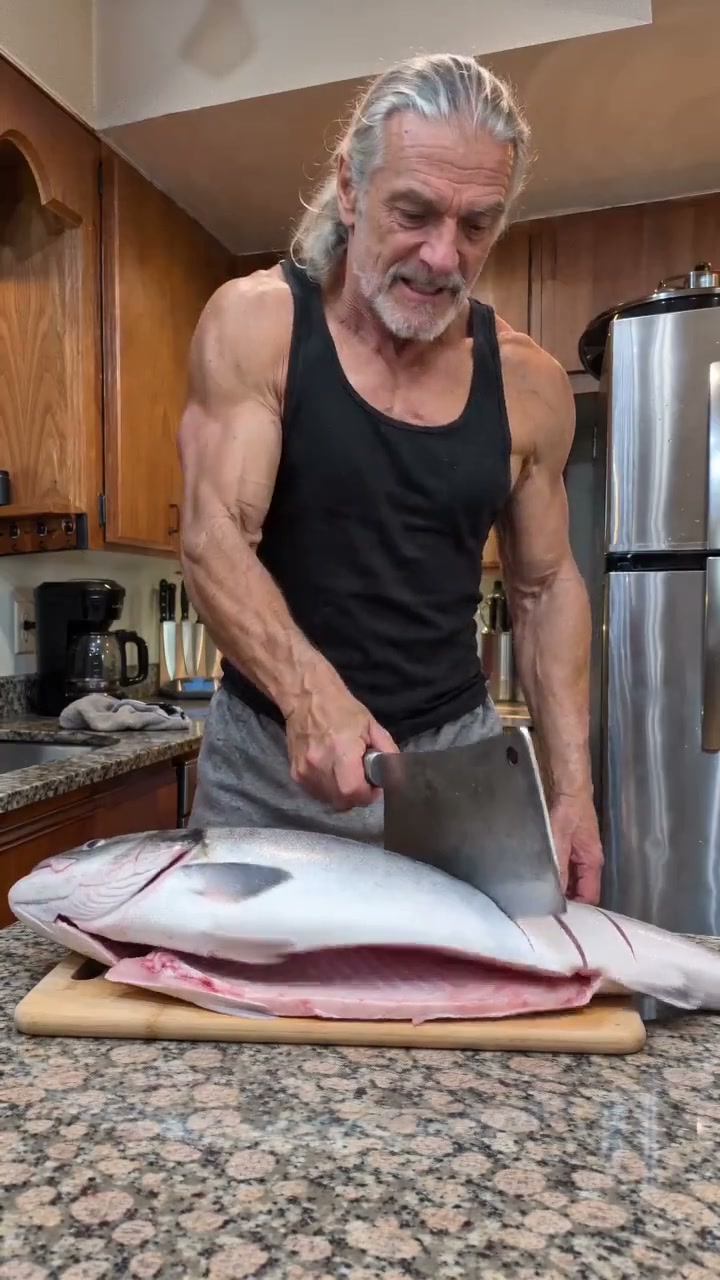
Fish Cutting Meme AI
Turn one photo into the viral fish cutting meme video with rapid chops and bicep flex.
Use this template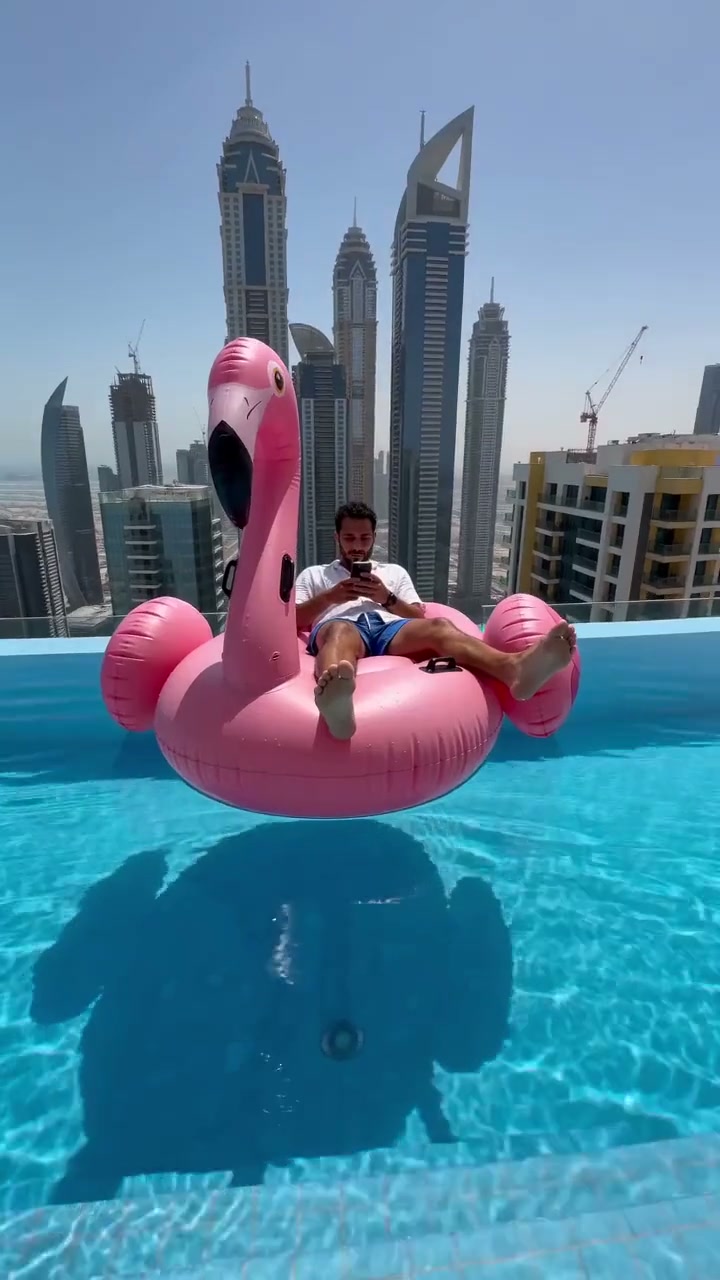
Flamingo Floatie AI
Turn one photo into the viral pink flamingo floatie pool slide meme video with hilarious surprise.
Use this template
AI Dance & Motion Transfer
Ready to create your own AI dance video?
Turn photos into viral TikTok dance videos and hilarious meme reactions with VidTrend's pre-choreographed motion transfer models — from single portraits to multi-person templates.